Native desktop client for communicating with LLM
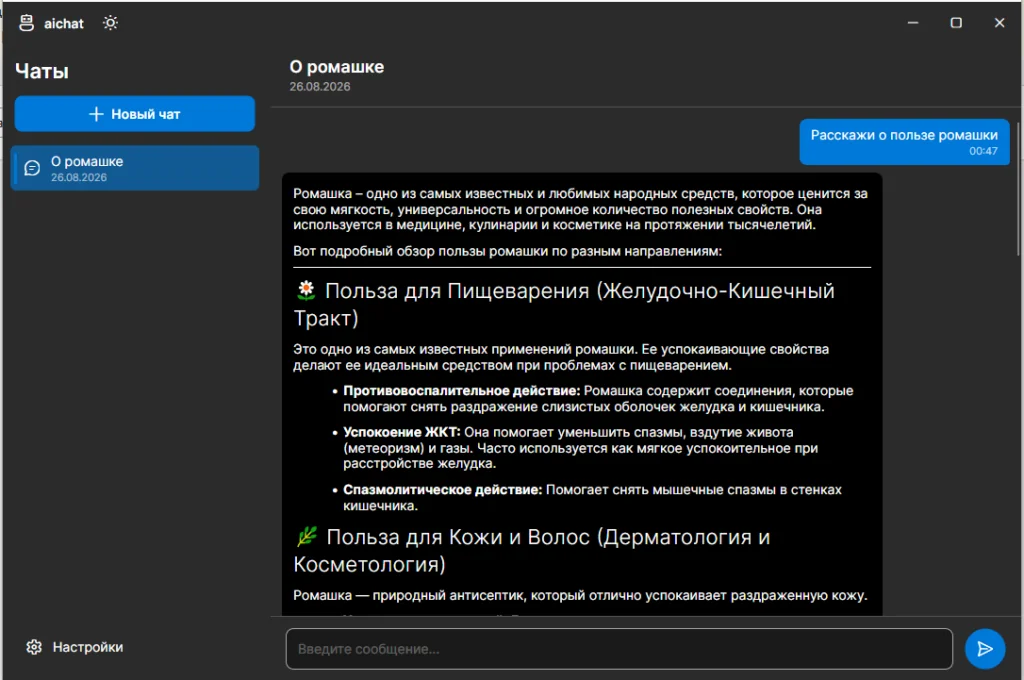
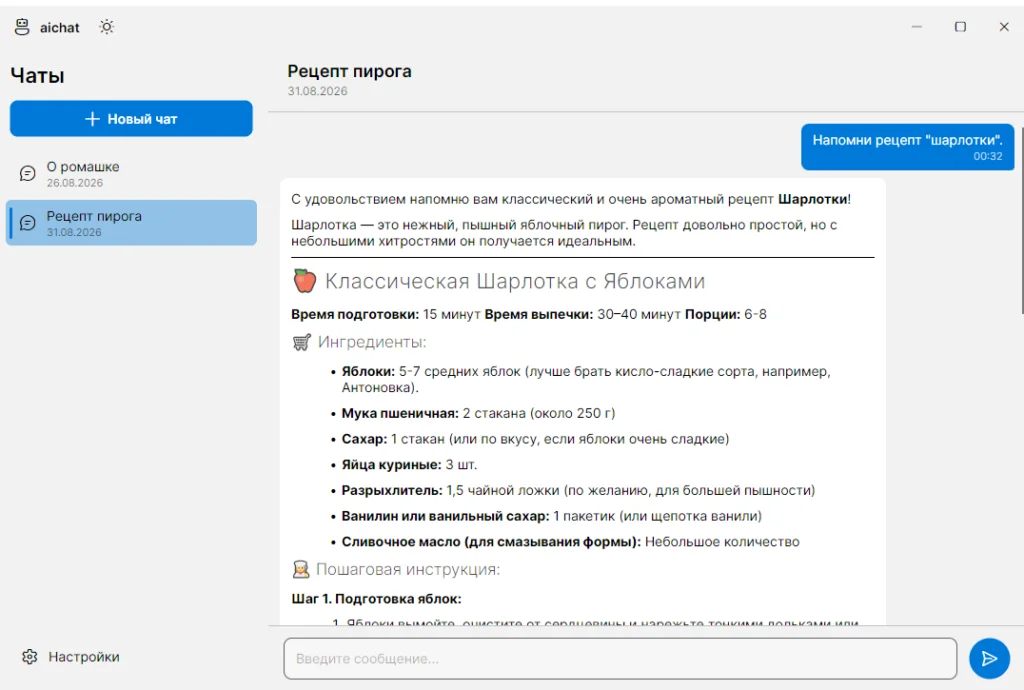
This is not a clunky, slow, foreign-looking UI built on Electron that takes up hundreds of megabytes. This is a purely native application- compact, fast, and featuring the familiar, comfortable UI of desktop apps.
Designed for quick and efficient work: hotkeys, logical tab order between visual components- everything is done «the right way»:
Ctrl+N: create a new chat.
F2: rename a chat.
Del: delete a chat.
Ctrl+Enter: send a message.
All of these are also available in the context menu.
All message text can be freely selected and copied.
Themes — light, dark, and system.
Settings window — server address, model, token, temperature, max tokens, and system prompt.
Local storage — chat history is stored in an SQLite database on your computer. Your data is not uploaded to any cloud — it stays on your machine. Secure and private.
If you use local LLMs, this client gives you complete privacy and protection against data leaks. For enterprise clients, this is a crucial aspect.
Installation
Download the archive, extract the files, and run aichat. In the application settings, specify the server address and the model.